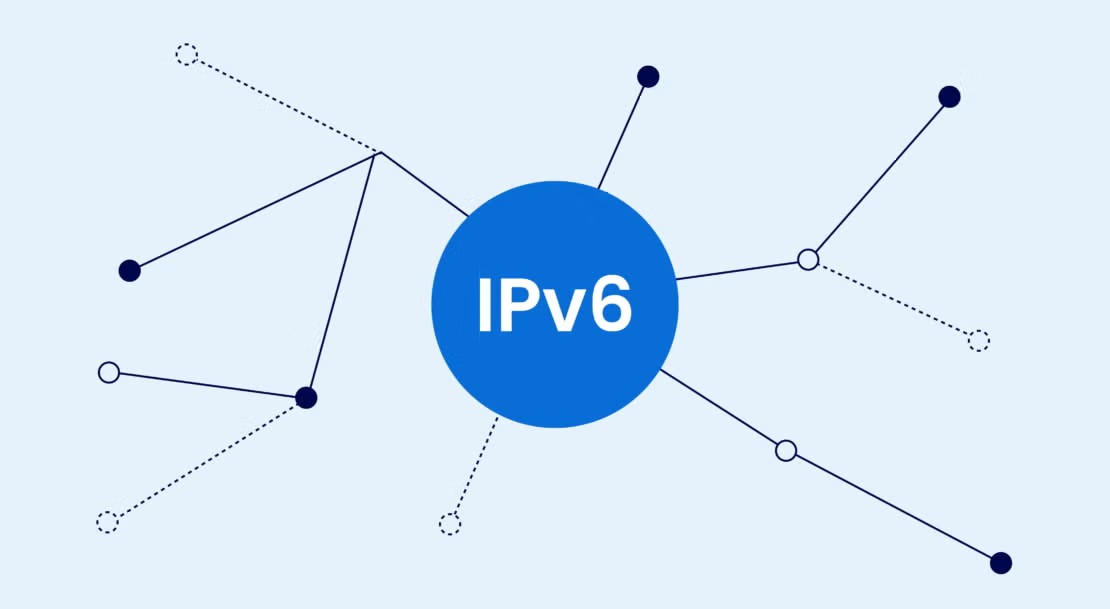
As internet connectivity has been expanding, more and more devices around the world are moving towards the use of IPv6. This advanced platform is fully replacing the old version of Internet Protocol version (IPv4). Organizations and individuals are slowly transitioning from IPv4 to IPv6 to enhance the range of the address space and performance of network connectivity. Understanding how to manually configure IPv6 supports efficient network management and addresses future needs. The configuration of various devices, such as Windows, Mac, Linux, routers, and mobile devices, is different. Knowing how to manually configure IPv6 helps to ensure secure and reliable communication.
Different Ways How to Manually Configure IPv6
Windows Devices
Open the network settings and check the box for the IPv6 protocol on Windows devices for a manual installation. The network administrator will define the IPv6 address, length of the Subnet prefix, and default gateway, as well as DNS servers. This setting will help Windows work properly with IPv6 networks. During post-configuration, check the verification operation of the connection to check if all the settings are working without errors.
macOS Devices
On macOS devices, IPv6 can be manually set up using System Settings and network preferences. Click on the active network connection, select the IPv6 configuration option, and enter the requested IPv6 address information. Correct router & DNS info maintains a steady connection. Above all, users should also perform a network connectivity test to ensure that there is successful communication between the network and the network connection after changes have been saved.
Routers
Setting the router IPv6 is crucial because it helps for communicating the traffic of the network between the devices. Go to the router administration screen and enable IPv6 Settings. Enter the information about the IPv6 address, prefix length, gateway information, and DNS information from the internet service provider. If properly set up, routers will enable access to IPv6 networks without problems. It won’t affect the performance of the network.
Linux Systems
IPv6 configuration in Linux systems is possible manually with network tools and configuration files. IPv6 addressing, routing, as well as DNS configuration are available via terminal or network managers. If Linux devices are configured correctly, they will communicate efficiently with IPv6 networks. Once users have made their changes, they should test connectivity and check network status commands to verify.
Requirements Before Manually Configuring IPv6
The user should collect all of the necessary network information before manually configuring the network for IPv6. This includes Internet Provider or Network Administrator supplied information such as IPv6 address, prefix length, default gateway, as well as DNS server information. Make sure it’s IPv6 capable and has up-to-date operating system software. Changes also require a stable internet connection. Also, follow this rule of thumb when you buy IPv6 address.
To prevent configuration errors, the user should be aware of their current network configuration. It is important to have a copy of existing network settings, as changing the settings could disrupt connectivity. When configuring, test IPv6 availability before configuration to detect any potential compatibility problems. Understanding fundamental network settings simplifies the manual setup process and enhances its success for users.
Common IPv6 Configuration Problems and Solutions
Incorrect IPv6 Address Settings
Any device that is unable to connect itself to the network properly is due to incorrect address settings. Users must pay attention to the assigned IPv6 address, prefix length, as well as gateway information. Typically, if there are connectivity issues, they are easy to solve by re-entering the correct information. Comparing configuration data to the network provider can confirm the accuracy of the information and minimize chances of error.
IPv6 Not Enabled on Device
Perhaps some devices will not connect as there is no IPv6 configuration in the settings of the network. Users must ensure that system preferences (or the adaptor settings) are enabled to allow IPv6. After restarting, the protocol enable device will be restarted, and network connections will be re-initialized. Ensuring that devices have up-to-date software may also help to eliminate compatibility issues with the IPv6 network.
DNS Resolution Problems
Even if you lease IPv6 addresses, DNS can cause problems for your website. To check IPv6 compatible DNS servers, users should ensure that proper DNS servers are set up. Network performance can be enhanced by changing DNS settings to a reliable DNS. If you have made changes to your DNS settings, it is helpful to clear the DNS cache. This will allow devices to recognize the new settings and resolve domain names properly.
Router IPv6 Configuration Errors
If the router’s settings are wrong, the devices connected to it won’t be able to access IPv6 networks. The user should consider the configuration of the router (prefix delegation and routing). Therefore, one of the ways to overcome these compatibility problems is to try to upgrade the router’s firmware. Restarting the system will ensure that the changes to the router are applied throughout the network of which the system is a member.
Best Practices for Manual IPv6 Configuration
Use Accurate IPv6 Information
When manually configuring devices, always use the correct IPv6 addresses, prefix lengths, gateways, and DNS information. Error information can result in connectivity issues and network failures. Check with the internet service provider or network administrator before making changes. This helps to ensure that there are no communication issues and helps to avoid any unnecessary troubleshooting activity.
Keep Network Documentation Updated
If network documentation is updated, it will be easier to understand what is happening on the network during IPv6 selling. Note the addresses, network configuration, and configuration changes that have been assigned for future reference. If you document it properly, it will be easier to troubleshoot, and you can easily manage your network resources. Above all, it also helps with upgrades, replacing devices, security audits, etc.
Test IPv6 Connectivity Regularly
You should periodically check connectivity with the network to ensure that it’s operating correctly. Use diagnostic tools to monitor addresses assigned, routing, as well as D-to-D communications. This testing is done on a regular basis and gives a good early warning of possible network problems and helps to keep the network stable. Performance monitoring can also support good IPv6 management in the future.
Secure Your Future-Ready Network with Trusted IP Address Solutions
Ready to strengthen your network infrastructure with reliable IP resources? IPV4 TradeHub provides businesses with secure and scalable IP address solutions designed to support modern connectivity requirements. Whether you need IPv4 resources, IP management guidance, or solutions for expanding digital operations, our experts are here to help.